research
Article
The 3D tool that finally feels like it was built for UI designers (with one big catch)
Key takeaways
- Accessibility: Spline democratizes 3D design for UI/UX professionals by removing the steep learning curve of tools like Blender.
- Web optimization: Built specifically for the web, it offers seamless embedding via Spline Viewer, though it requires trade-offs in rendering complexity.
- Current limitations: Users should expect simplified UV mapping, basic physics simulations, and limited granular control over advanced material properties like dispersion.
- Practical application: Despite being in early stages, it is production-ready for interactive objects, glass textures, and path-based animations.
I never thought 3D could feel this intuitive in UI/UX design until I opened Spline3D for the first time. For years, incorporating 3D elements into websites meant wrestling with technical constraints: bloated file sizes, performance issues, and workflows that felt disconnected from the rest of the design process. But despite these challenges, 3D has always held this magnetic potential to create experiences that feel alive, interactive, and genuinely memorable.
Last year, I kept seeing Spline3D pop up across my feeds. Curiosity got the better of me, so I spun up a small test project. What I found was refreshingly approachable and surprisingly flexible. Founded in 2020, Spline set out to remove the technical gatekeeping that's kept 3D design locked behind specialized software and steep learning curves. The mission was simple: make 3D accessible to everyone.
Getting started with Spline 3D
Spline's interface borrows from Blender's visual language, but strips things down to a more focused toolset. This makes it less intimidating, though newcomers should still expect a learning curve. Think of it as the essentials-only version of larger 3D platforms: you get what you need for modeling and animation without the overwhelming feature sprawl.
The team recently launched HANA, a 2D design tool that channels serious Figma energy. Both products are young, though, and some features still wear their beta badges proudly. I hit my share of bugs along the way, which reminded me that we're working with emerging technology here, not battle-tested software with decades of polish.
Designing in 3D
My first few months building assets were humbling, even with years of Blender experience under my belt. Some tools in Spline lack the granular control you'd find in more mature platforms, particularly around UV mapping. Getting a clean UV map often meant creative workarounds through material settings, layering adjustments just to get textures to behave.
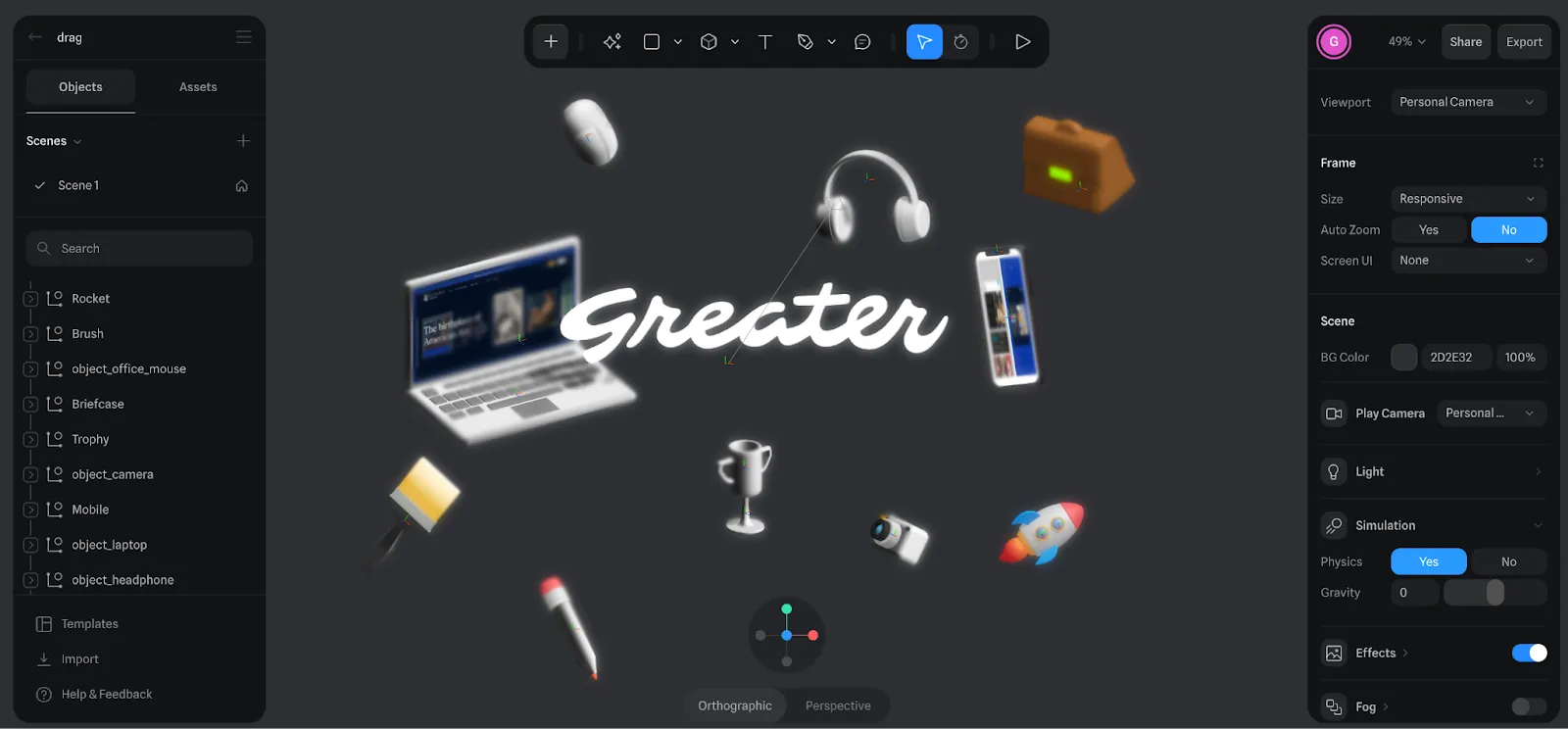
The physics and simulation options are similarly streamlined. I built several interactive demos where users could drag and throw objects, watching them collide and react. The interactions worked, mostly, but simulation bugs would occasionally surface and disrupt the consistency I was aiming for.
Integration with UI/UX projects
After a month of experimentation, we started weaving Spline into client work. One project, Assemble, called for a 3D glass logo. During planning, we relied on static PNG exports brought into Figma since no plugin or live integration existed yet.
During the Assemble project, we utilized several key Spline features to meet client needs:
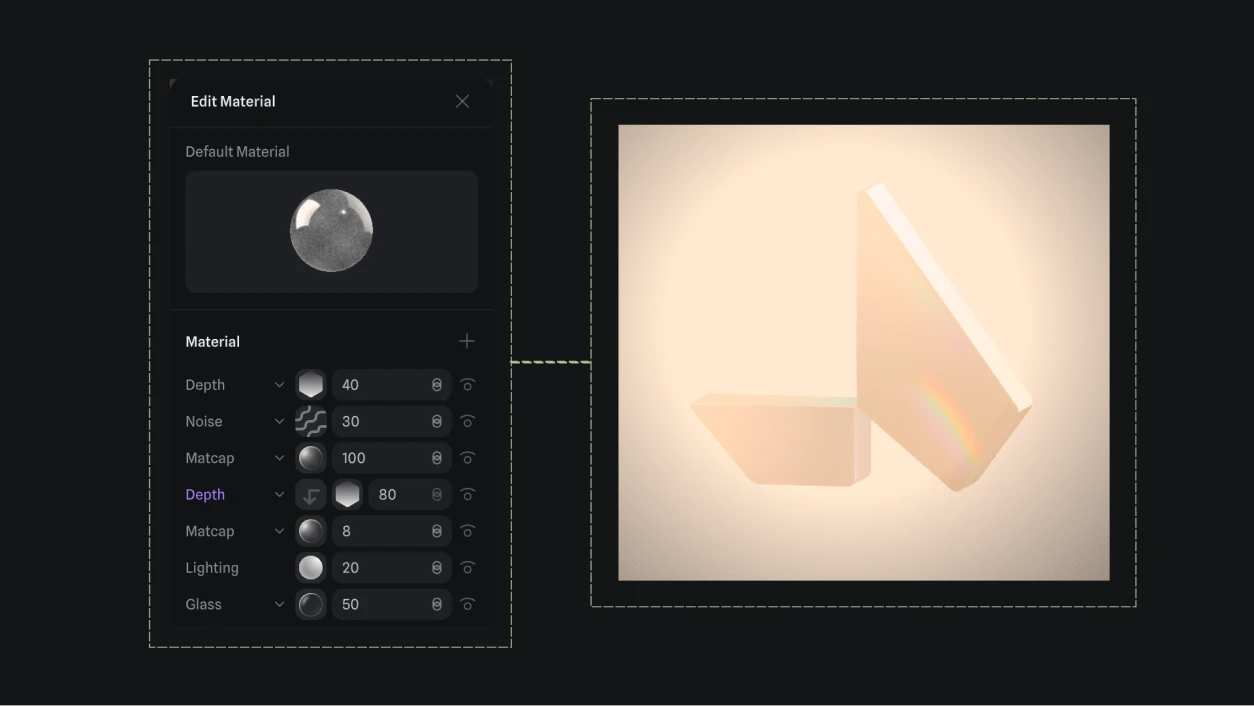
- Glass Material: Applied easily for a 3D logo, though limited refraction and dispersion controls required manual parameter tweaking for realism.
- Align to Path: Used to create circular background animations, adding depth to the UI composition.
- Static Exports: Leveraged PNG exports for initial Figma planning before moving to live integration.
Despite the constraints, the final piece landed well. The client was happy, and the 3D element elevated the overall experience in exactly the way we'd hoped.
Community experience
The Spline community has been one of the pleasant surprises. For such a young platform, the level of engagement is impressive. Moderators respond quickly, and community members actively share work, troubleshoot problems, and exchange knowledge. It feels genuine and supportive in a way that rivals communities around much more established tools.
The takeaway
Spline 3D carries limitations at this stage, no question. But it remains a compelling platform for bringing 3D into web and software projects. Many of these constraints aren't unique to Spline. Even Blender faced similar growing pains in its early years. With experimentation and creative problem-solving, you can still achieve strong results.
The limitations are a byproduct of Spline's focus on web performance. To balance visual fidelity with speed, the platform offers:
- Resource Management: Optimized rendering for browser environments.
- Spline Viewer: A dedicated tool for clean embedding into web environments and IDEs.
- Workflow Integration: A bridge between high-end 3D production and standard web design.
If you're coming from advanced 3D work or animation, adjust your expectations accordingly. This isn't trying to replace your full production pipeline. It's carving out a new space where 3D and web design can finally have a more natural conversation.

table of contents
Want more like this?
Subscribe to stay in the loop.
More content
Learn about other things on our mind



.webp)




.svg)